
How do you sign in on a phone without hunting for the button?
Open your mobile browser and type the casino address yourself or use a bookmark you saved earlier, rather than tapping a link from a message or e-mail. On a small screen the menu often sits behind an icon in a corner, so check there if no sign-in button is visible.
- Open the site in your phone browser and wait until the page finishes loading.
- Tap the menu icon if needed, then choose the Login option.
- Enter the e-mail address or username you chose when you registered.
- Type your password slowly; if an eye icon is shown, use it to check what you typed.
- Confirm the form and wait for your account area to open.
You must be an adult to hold an account, and an operator may ask you to confirm your identity before a withdrawal, so keep your personal details accurate. The same Kingmaker Login steps apply on any modern phone browser.
Sign in here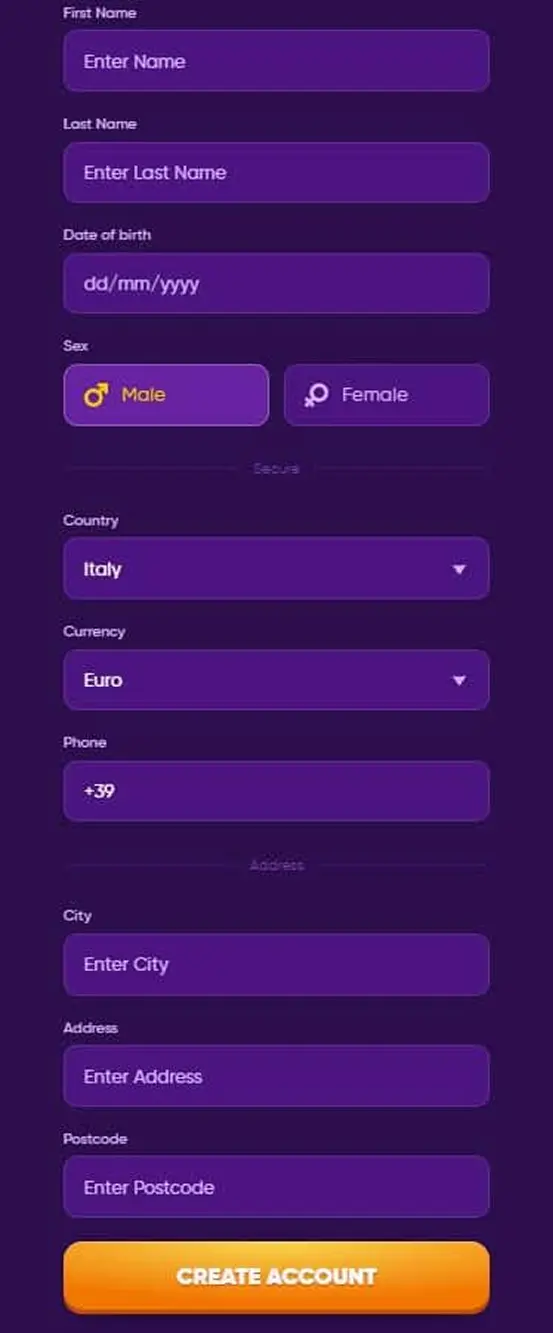
 English